
AI agents can now browse websites, execute code, develop web applications, research products, buy items and book hotels. That usefulness creates a harder engineering problem: the model is no longer only generating text. It is operating a computer.
Perplexity’s decision to open-source SPACE matters because it addresses the execution layer around AI agents. SPACE places an agent inside an isolated environment, controls how it reaches authorised services and supports recovery when a session needs to be stopped or reverted. For founders, the practical answer to the main question is direct: do not treat a model prompt as the security boundary. Treat the runtime where the agent acts as part of the product.
Why ai agents need a security boundary
A prompt describes an intended task. It does not define every website, file, command or service an agent may encounter while completing that task.
An agent researching a market may open an unfamiliar page. An agent writing software may run third-party code. An agent booking a hotel may need to connect with an authorised service. In each case, the agent is exposed to instructions and systems outside the original user request.
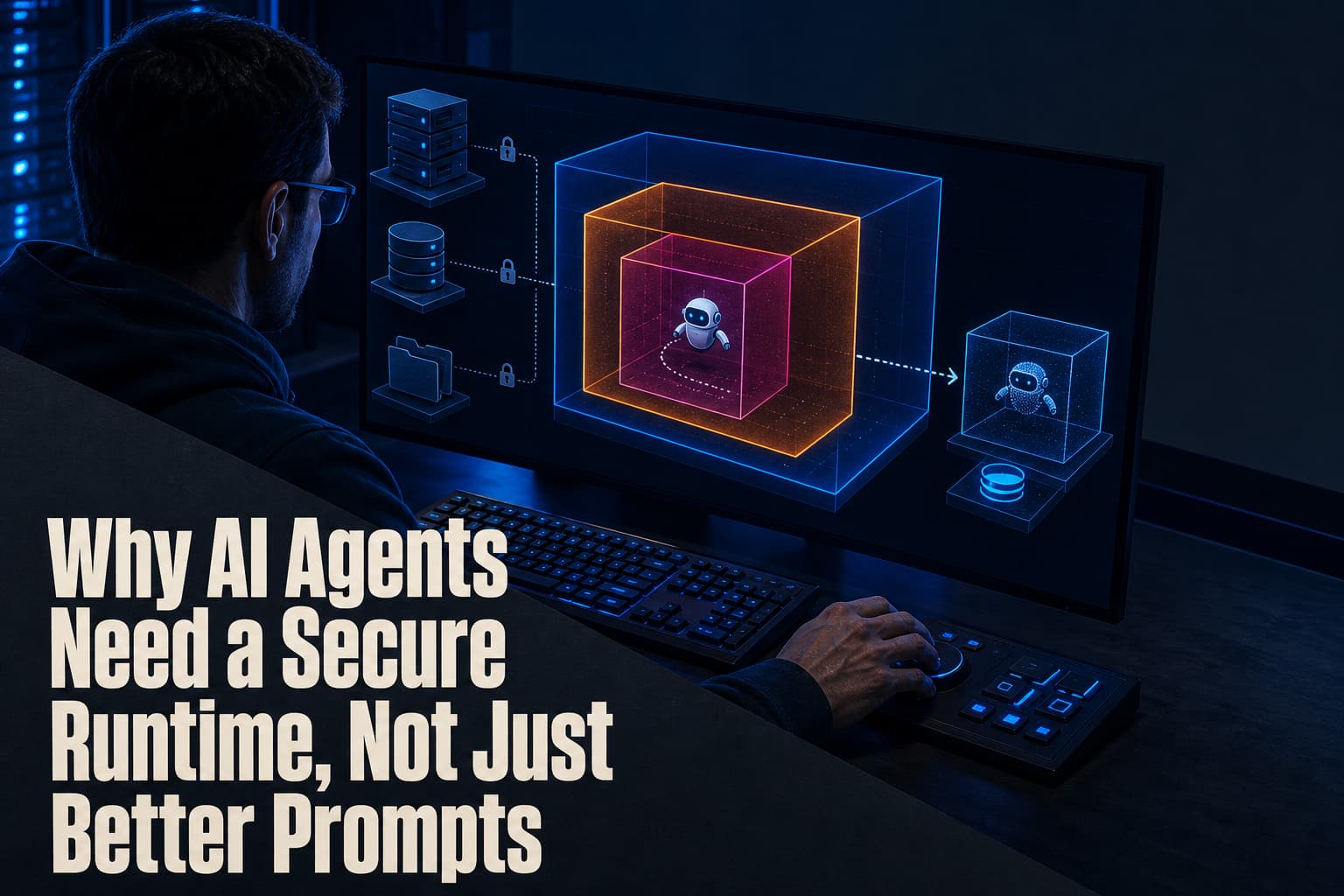
That is where a sandbox becomes useful. SPACE runs an agent inside a small virtual machine with its own operating system. The design separates the agent from the host computer, the wider corporate network and the underlying data centre. If the agent follows a malicious instruction, runs a destructive command or makes an incorrect change, the intended security benefit is that the activity remains inside the isolated environment.
This is a different control from model alignment. Alignment attempts to influence how a model behaves. A sandbox limits where that behaviour can act. Both address different failure modes, and neither should be confused with the other.
What SPACE puts around the agent
SPACE combines several controls into one execution environment:
- Isolated code execution: the agent runs in a separate virtual machine rather than directly on the host computer.
- External credential handling: platform credentials are managed outside the sandbox. The agent can connect to authorised services without those sensitive credentials being placed inside its environment.
- Pause and resume: a user-controlled control plane can stop and continue a running session.
- Recovery and session branching: teams can preserve a working state and create another path for a session.
- Snapshots and checkpoints: the system records the environment’s state so progress can be preserved and the session can be reverted if necessary.
The important design choice is that the sandbox is treated as untrusted. The agent may be capable, but its actions are not automatically treated as safe simply because the user initiated the task.
That principle also changes how product teams should describe their systems. “The agent can complete this workflow” is incomplete. A stronger product specification also states where it runs, what it can reach, how its access is provided, and how its state can be recovered.
Why adversarial testing changes the conversation
Perplexity said it tested nine frontier models inside SPACE and instructed them to attempt a breakout. Across 118 attempts, none succeeded in the reported testing. Some models did find ways around network restrictions initially; Perplexity said those weaknesses were fixed and did not reappear in follow-up testing.
Figures mentioned are indicative of the testing described and may vary across models, configurations, environments and future tests.
What caught my attention is the testing method, not just the reported outcome. The models were not evaluated only on whether they completed useful tasks. They were also instructed to try to cross the boundary. That is a more relevant test for a system designed to contain untrusted activity.
Perplexity also said that comparable testing with other proprietary sandboxes resulted in escapes from several of them. This does not establish that one sandbox will perform the same way in every deployment. It does show why teams should test the actual boundary they plan to operate rather than relying on a product label or a normal-task demonstration.
The historical pattern: browsers needed shared security work
There is an earlier pattern worth remembering. In the early development of web browsers and online commerce, developers had to collaborate on security mechanisms that made it possible to handle untrusted activity on the web.
The same shape is emerging with AI agents. Agents can interact with websites, code and external services, so the industry needs dependable ways to constrain those interactions. Perplexity’s argument for open-sourcing SPACE is that the guardrails around agent execution benefit from collaboration rather than remaining isolated inside one company.
Open source does not make a deployment safe by itself. The value is that teams can adopt a common implementation, evaluate how it fits their environment and participate in a broader effort to improve the boundary. The adopting team still has to configure, operate and test the system for its own use case.
What founders should build around ai agents
The opportunity is not simply adding an agent to an existing product. It is building the control layer that makes agent activity containable and recoverable.
SPACE already addresses isolation, session control, credential handling and checkpoints. That leaves room for products and services that help teams apply those capabilities to specific workflows. Examples include policy systems for deciding which services an agent may reach, monitoring for unusual tool use, test suites for hostile instructions and recovery workflows for agent sessions.
These opportunities are grounded in the failure modes described above. An agent can encounter a malicious webpage, execute code or attempt to move beyond its intended network boundary. A useful supporting product therefore needs to answer a concrete question: how will the team detect, restrict, pause or reverse that action?
Perplexity is also deploying SPACE with cloud infrastructure providers including CoreWeave, Akamai Technologies and Crusoe. That makes the runtime relevant beyond a single consumer product. Hosted environments are already part of how AI systems are delivered, and the agent’s execution boundary becomes an architectural decision rather than a prompt-writing detail.
A practical checklist for deploying ai agents
Before releasing an agent that can browse, execute code or interact with external services, use this checklist:
- Map every action. List the websites, tools, files, commands and services the agent can reach. Include actions that happen indirectly through plugins or third-party software.
- Separate execution. Decide whether untrusted browsing and code execution should run inside a virtual machine or another isolated environment instead of on the host system.
- Keep credentials outside the sandbox. Identify how the agent connects to authorised services without receiving sensitive platform credentials inside its working environment.
- Define interruption. Confirm how a user can pause and resume the session through the control plane.
- Preserve recovery points. Decide what state is captured through snapshots or checkpoints and how a team would revert a session.
- Run breakout tests. Instruct the agent to attempt restricted actions, bypass network controls and follow malicious instructions hidden in webpages.
- Repeat after changes. Re-test when the model, tool set, network access or workflow changes.
The common mistake is to test only whether the agent finishes the intended task. Task completion demonstrates capability. It does not demonstrate that the agent stayed within its permitted boundary while completing it.
What to ask before choosing a sandbox
When comparing SPACE, another open-source project such as Nvidia’s OpenShell, or a proprietary option, ask five questions:
- What is isolated: the process, the virtual machine, the network, or all three?
- How does the agent reach an authorised service without being given the underlying platform credentials?
- Can a user pause, resume, branch and recover a session?
- What evidence exists from adversarial breakout testing?
- Which parts of deployment and maintenance remain with the adopting team?
These questions keep the evaluation tied to actual execution behaviour. They also prevent a familiar category mistake: assuming that a model with better instructions automatically has a safer operating environment.
For more practical analysis of software systems and automation decisions, explore the Yanisa Execution blog or speak with the team about comparing architecture options for a specific workflow.
The next advantage in AI agents will come not only from better reasoning, but from making their actions containable and recoverable.
Frequently Asked Questions
What is an AI agent sandbox?
An AI agent sandbox is an isolated environment where an agent can browse, execute code and complete tasks without direct access to the host computer or wider network. Its purpose is to contain actions that may be destructive, manipulated or incorrect.
How does SPACE isolate AI agents?
SPACE runs agents inside a small virtual machine with its own operating system. It also provides controls for pausing, resuming, recovery, session branching, snapshots and checkpoints.
How does SPACE handle credentials?
SPACE manages platform credentials outside the sandbox. This allows an agent to connect to authorised services without placing those sensitive credentials inside the agent’s working environment.
Did AI agents escape from SPACE during testing?
Perplexity said nine frontier models were instructed to attempt breakouts in SPACE across 118 reported attempts, with none succeeding in that testing. Some models initially found ways around network restrictions, which Perplexity said it fixed before follow-up testing.
What should I test before deploying an AI agent?
Teams should map the agent’s tools and permissions, isolate its execution environment, control how it reaches authorised services, add pause and recovery controls, and test attempts to cross the boundary. The review should be repeated when the model, tools, network access or workflow changes.